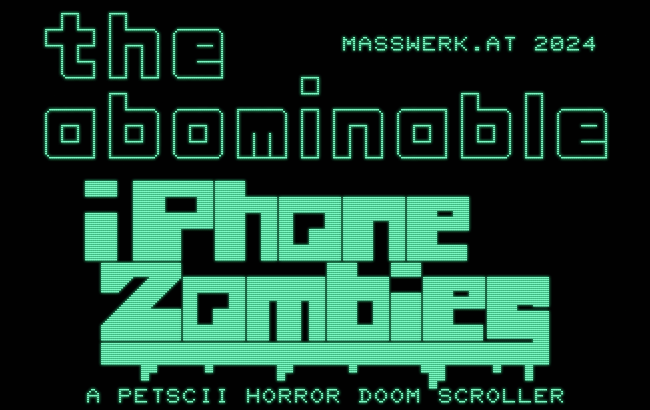
A new game for the Commodore PET, also, how to detect keyboards on a Commodore PET.
Rumors that I am might be writing a game (or is it a playable joke?) are not entirey unfounded. Also, another (maybe helpful) note on PET keybords and how to detect them.
So a few words on the debugger for the PET 2001 emulator: this is meant to help you around with 6502 machine code on the virtual PET, both for exploring existing software and testing your own code.
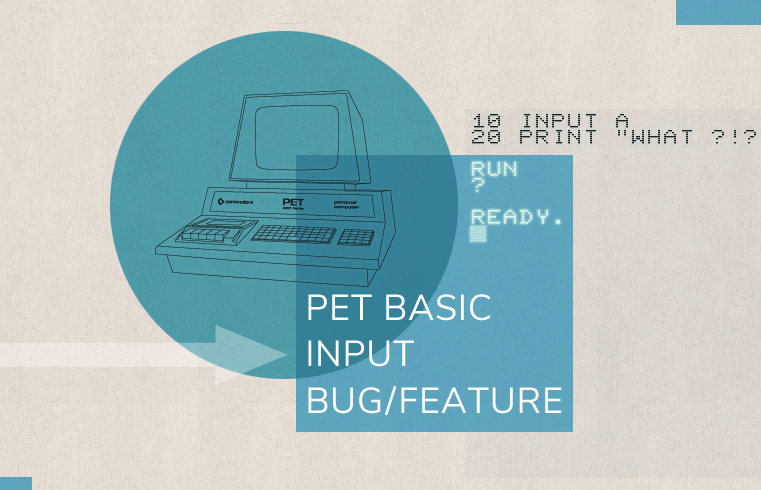
As it happens, I recently added a debugger to the PET 2001 emulator, with the expressed purpose of facilitating code reverse engineering. To celebrate this, we’ll risk a glimpse into a peculiar bug — or is it a feature? — of the BASIC flavor found on Commodore’s PET computers. Particularly, it’s about BASIC bailing out into a warm start, whenever an empty string is entered by just pressing RETURN on the INPUT prompt.
New 6502 emulator feature: Instruction preview with resolved operands.
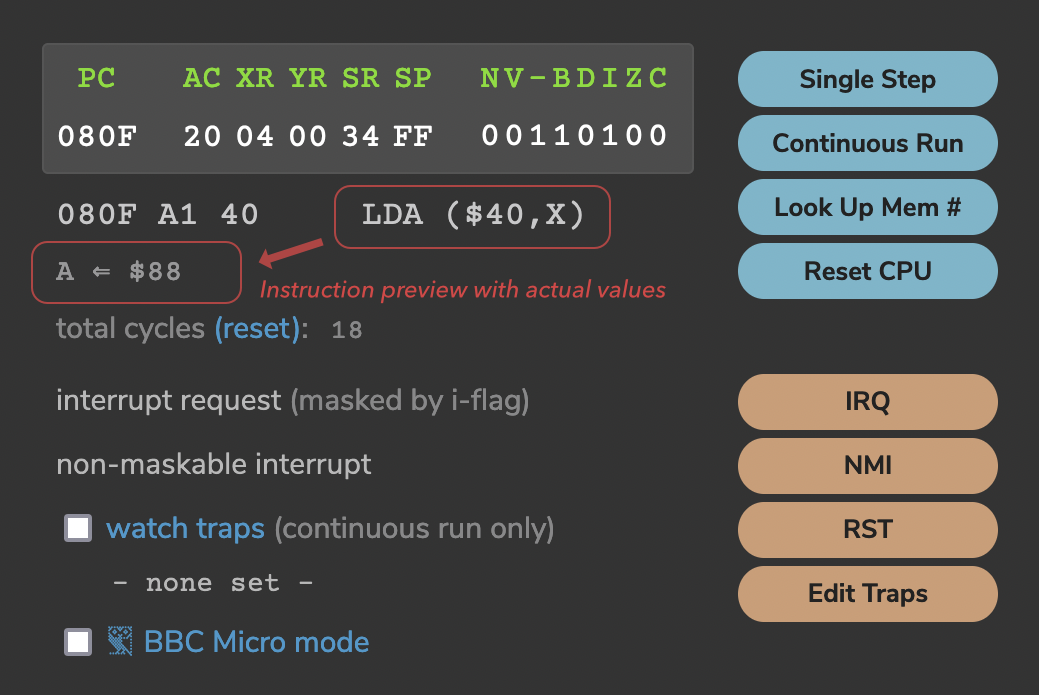
A new feature for the 6502 emulator: Now, there’s an instant preview for the effects of the next instruction to be executed, with effective values and operands resolved.
E.g., given the following memory and register content,
the emulator will show the following preview for the instruction `A1 40` or “LDA ($40,X)”:
A ⇐ $88
resolving the X-indexed addressing and showing the effective value, which will be assigned to the A register (accumulator).
Or, for an ASL instruction, it may show this (depending on the content of A):
A ⇐ C < |10001000| < 0
And, for the instruction `CE 04 20` or “DEC $2004”, it may show:
[2004] ⇐ $88 - 1
Thanks to this preview of the effective values, which will be actually used, complex behavior may be followed more easily and common errors, like forgetting “#” to mark up immediate operands in the assembler (and using zeropage mode instead — the dreaded “LDX $00”), should become pretty obvious. (I’m not aware, whether there is prior art for this idea or not.)
And, by popular demand, there is now a “RST” button, sending a RESET signal to the emulator.
Also, how to style range inputs using CSS, including accent colors.
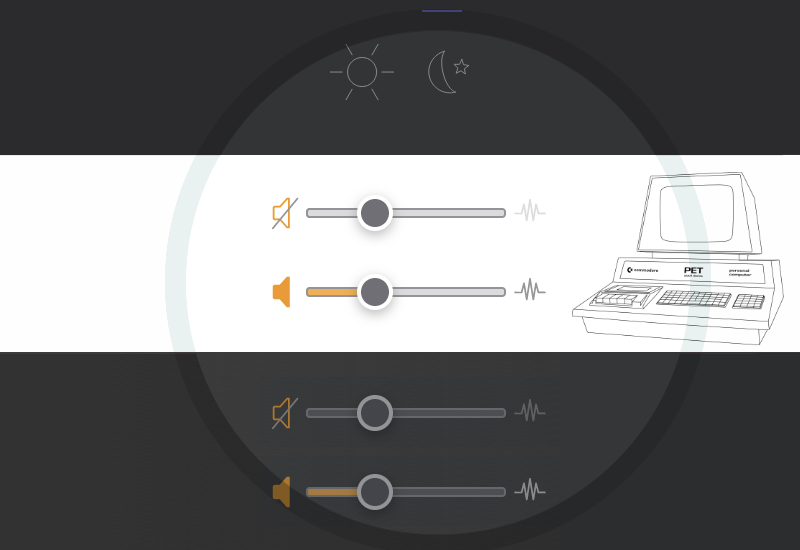
So the PET 2001 emulator received a dark mode. This wasn’t exactly great news, nor worthy a blog post, if there wasn’t also something to be learned from every project. In this case, it’s about how to implement accent colors for custom styled HTML range-input elements, something, I haven’t found any hint on in the entirety of the Internet.
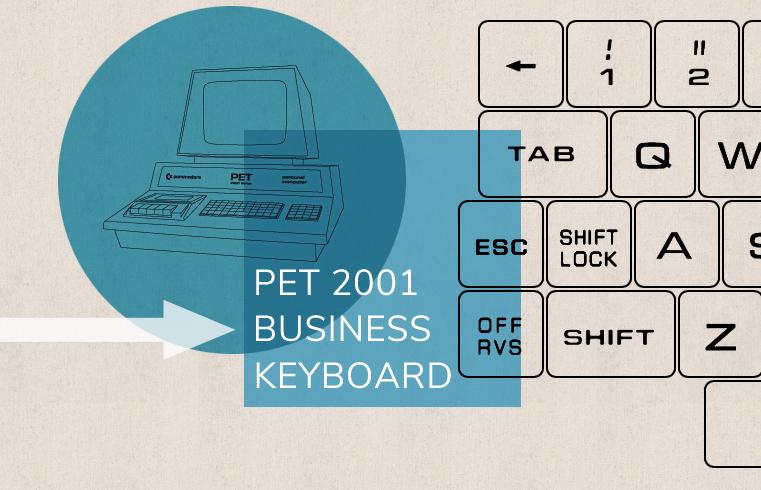
The PET 2001 emulator does now support the business keyboard! While we prepared for this and hinted here at this in the past, we now proudly present a full implementation. — Select “ROM 4b” for BASIC 4.0 with a ”b” as in “business”…
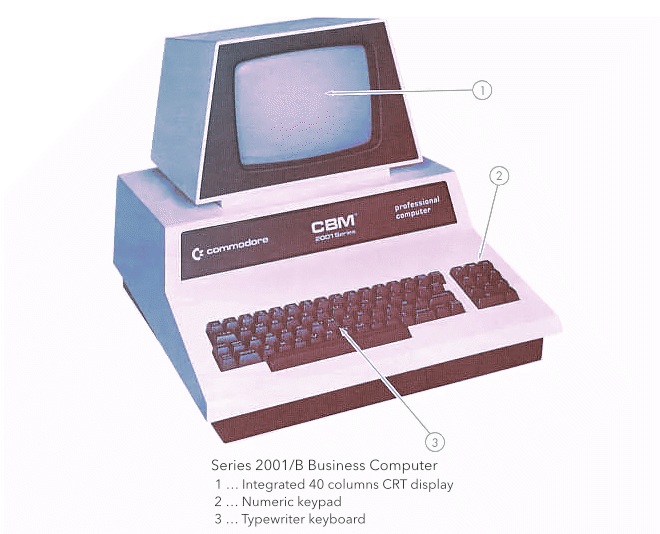
Update: Our humble PET, which has thus become a “CBM Series 2001/B Business Computer”, as well, isn’t limited to BASIC 4.0 with the business keyboard any longer, as you may now also select “ROM 2b” for BASIC 2.0 with a ”b” as in “business”.
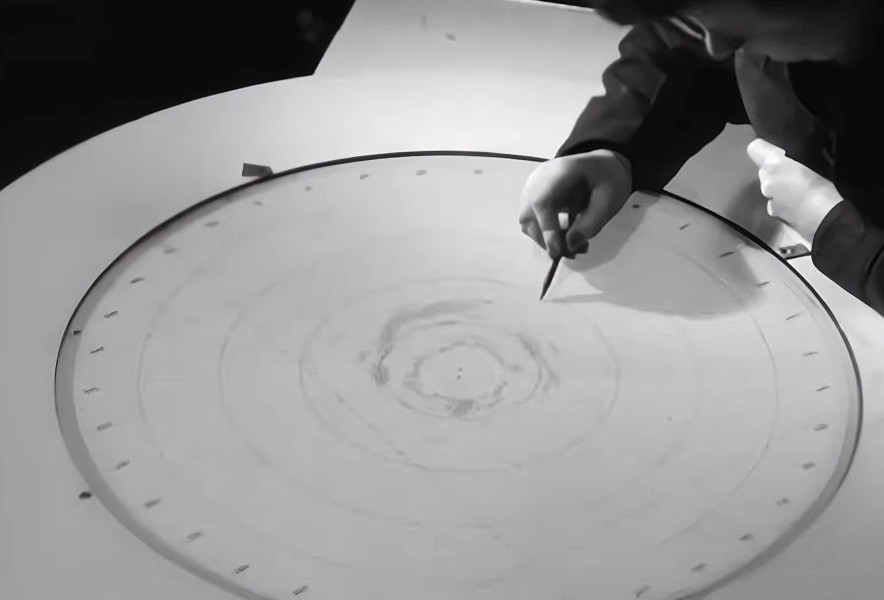
It’s fairly well known how CRT displays made their way into computing, from WWII-era PPI (Plan Position Indicator) scan RADAR displays via Whirlwind, the Charctron display and the SAGE protype displays, seeing further applications in the TX-0, TX-2, and DEC PDP computers. However, there may have been an alternative technology available, namely dark trace or scotophor CRTs. In contrast to the light-emitting light-on-dark phosphor CRTs, these drew their images, like the name suggests, in dark traces on a light, often backlit background. Coming at the designation P10, these tubes used tenebrescent minerals, like alkali-halide crystals, instead of phosphor, but could be controlled by the usual means of a cathode ray and deflection circuits. A notatable feature of these dark-scan tubes was a non-volatile image, which gave them similar properties to E-Ink.